You Can’t Turn Off The Mic When Playing Portal 2 On Nintendo Switch 2
Players have discovered that you can’t turn off the microphone when playing the Nintendo Switch version of Portal 2 on Nintendo Switch 2.
The Switch version of Portal 2 has microphone support in local multiplayer mode. On Switch, the game will automatically activate the microphone feature so long as a microphone is paired to the system, and it will turn off when the microphone is unpaired from it.
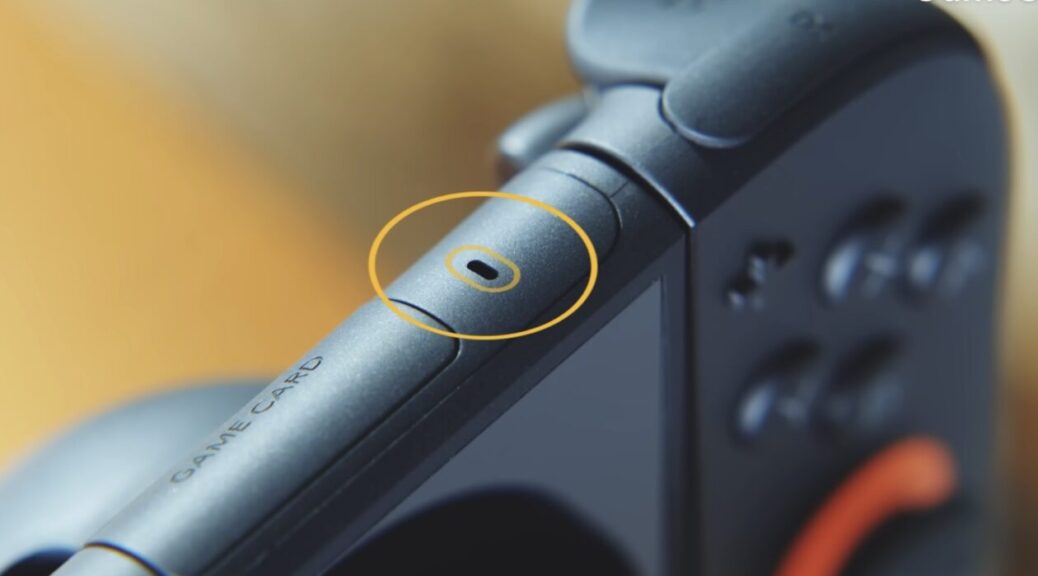
As the Switch 2 comes with a built-in microphone, the microphone is automatically enabled when playing with another person, but there’s no way to turn it off as you can’t unpair the built-in microphone from the system. It’s possible that this issue will be fixed in a future patch.
Here’s a video of the issue:
So apparently the switch version of Portal 2 had microphone support, and the switch 2 enables it (I can't turn it off)
byu/ASignificantSpek inNintendoSwitch2
What do you think? Let us know in the comments.