Dispatch “HR Violations” Update Addresses Some Censorship On Switch/Switch 2
Adhoc Studios has released a new update for their superhero simulation game Dispatch.
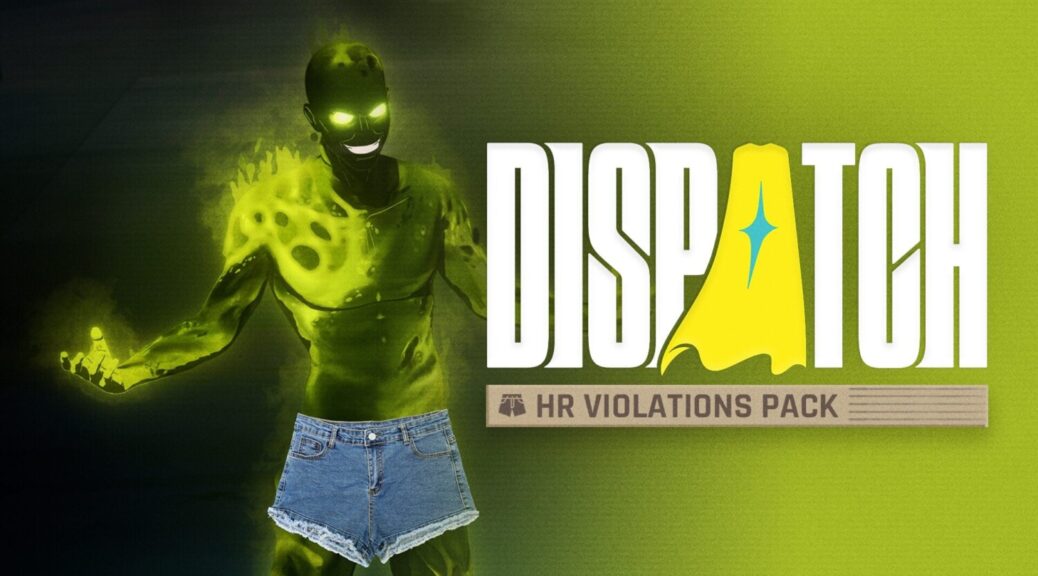
The HR Violations Pack is available to download for free from the Switch and Switch 2, and addresses some of the censorship issues that were highlighted by fans back when the game first released on the platforms. These adjustments are also available on the PS5 and PC versions of the game as optional censorship settings.
Switch 2 and Switch
- Coverage Settings (Partial or Full)
- Partial Coverage (Default) – Butts, boobs, and birds (AKA, middle fingers) are all set free. HR tells us genitals and explicit audio are still off limits, so those stay censored.
- Full Coverage – Fully censors all explicit visual and audio content.
- Censorship Styles (Mosaic, Chaotic, or Blackout)
- Mosaic (Default) – Covers up with a demure pixelated blob.
- Chaotic – Covers up with whatever’s lying around, like jorts.
- Blackout – This standard censorship style is still available for maximum coverage.
- Regional Availability
- Coverage Settings
- North America, Europe, Australia, New Zealand – Partial or Full Coverage (player choice)
- Japan, Taiwan, Hong Kong, Korea, Southeast Asia – Full Coverage only
- Censorship Styles
- North America, Europe, Australia, New Zealand, Taiwan, Hong Kong, Korea, Southeast Asia – Mosaic, Chaotic, or Blackout (player choice)
- Japan – Blackout only
PlayStation 5 and PC
While Steam and PlayStation will continue to have all the classic, uncensored smut you know and love as the default setting, we’re also making this free update available on those platforms—because everyone deserves the chance to see Toxic in jorts.
Xbox players will get access to these settings when the game releases later this summer.
- Default PlayStation 5 and PC Settings
- Japan – Full Coverage in Blackout style
- All Other Regions – Totally uncensored
How to Access
- Switch 2 and Switch – Via the downloadable content menu in the Nintendo eShop. Once downloaded, find all coverage and style options in your Game Menu under General Settings > Filters.
- PlayStation 5 and PC – Simply update your game to find the new coverage options in your Game Menu under General Settings > Filters.
What do you think? Let us know in the comments.